Our Office Printer Was the Biggest Security Hole on the Network
A routine scan found it running firmware from 2016, an open admin page, and a copy of every document scanned for two years.

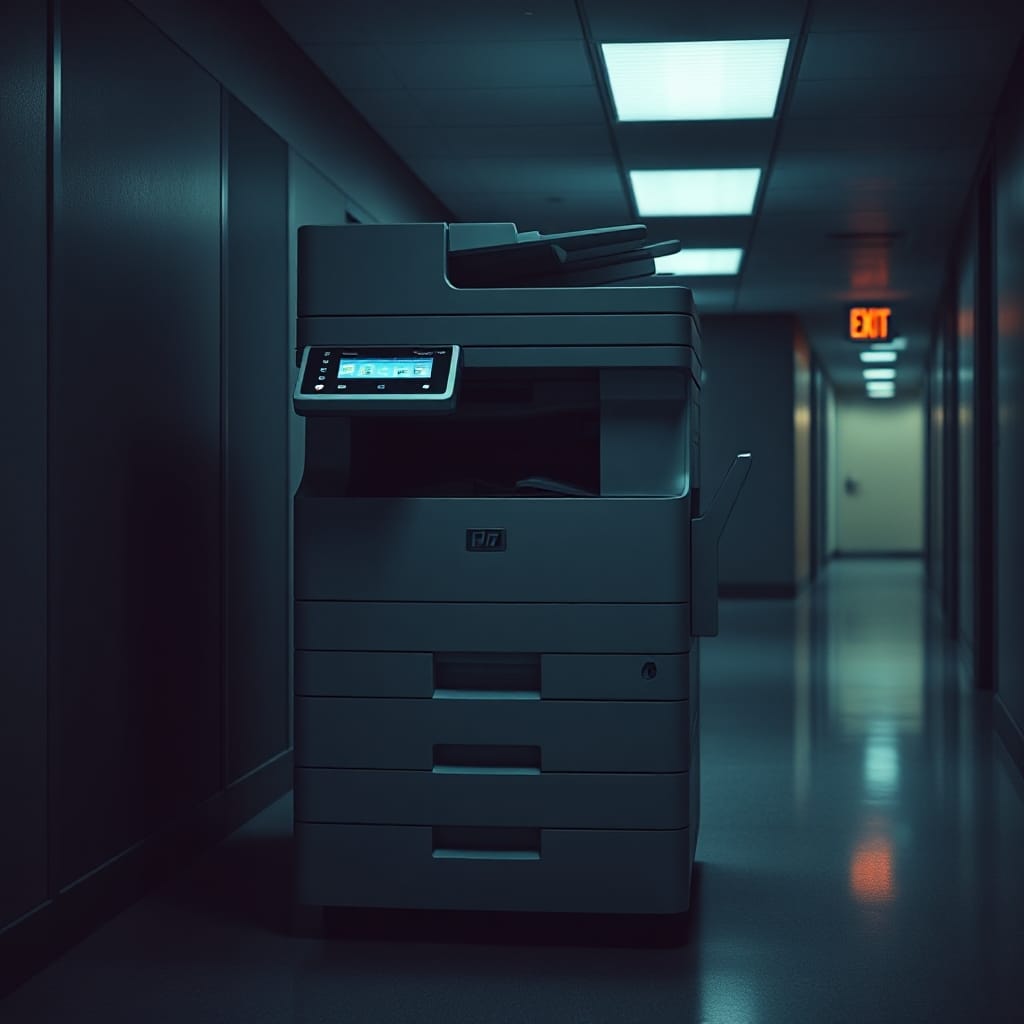
Our security team runs a quarterly internal network scan. Most of the findings are boring: a test server with an old library, a forgotten staging box. Last October, the top finding on the report was the printer on the third floor. The big shared multifunction one that everyone uses to scan signed forms.
I volunteered to look into it because I sit about twelve feet from it and was curious. What I found was a little alarming.
What the scan flagged
The printer was running firmware released in 2016. Its web admin page was reachable from anywhere on our internal network, and the admin password was the factory default, which is printed in the manual and easy to find online.
From that admin page, you could see the address book of every email destination people had scanned to. You could change where scans were sent. And, the part that made our security lead put her coffee down, the device had an internal hard drive with a scan-to-storage feature that someone had turned on years ago. It was keeping a copy of every scanned document.
We counted. There were roughly 14,000 scans on that drive going back two years. Signed policy forms, a few medical documents attached to claims, HR paperwork.
How nobody noticed
Printers fall into a gap. IT treats them as facilities equipment. Facilities treats them as IT. The vendor's maintenance contract covered toner and paper jams, not firmware. Nobody's job description included "patch the printer".
And printers do not look like computers. They do not show up in our device management tools. They do not complain when they are out of date. They just keep working.

What we fixed
The remediation took about two weeks, mostly because of coordination, not technical difficulty.
- We updated the firmware. The vendor had released eleven updates since 2016, including several security fixes.
- We changed the admin password and stored it in our team password manager.
- We moved all printers onto their own network segment, so they can receive print jobs but cannot be reached from the general office network.
- We turned off scan-to-storage and securely wiped the drive.
- We found and fixed the same problems on four other printers in the building.
We also told the privacy team about the stored scans, and they did a proper review of what had been on there and who might have been able to access it.
The lesson is about ownership
The technical fixes were easy. The harder change was assigning an owner. Printers now belong to IT, with a named person, and they are on the same patch schedule as laptops. When we renew the maintenance contract, firmware updates are explicitly in it.
Since then I have started looking at every networked thing in a room differently. The conference room display. The badge readers. The smart thermostat. Each of them is a small computer with an operating system someone forgot to update.
If you work somewhere with a big shared printer, it might be worth a polite question to whoever runs your network. Ours had been keeping a diary for two years and nobody knew.